






Skip to content

AI logo and brand studio — on iPhone and the web

Your whole brand, from one sentence.

Describe your business and get a logo you would actually pay for — then put it on a t-shirt, restage your product with a real-looking model, and take away files that print. Nine AI tools, one studio.

Free to start · No card · Background removal never costs credits

Crevo — Logo design
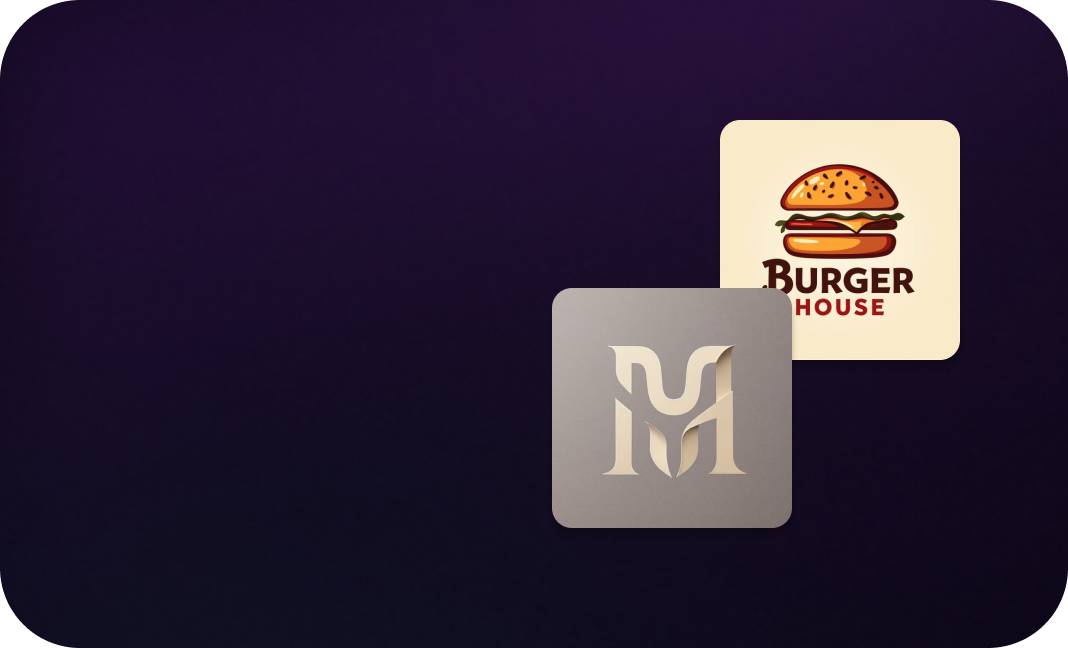
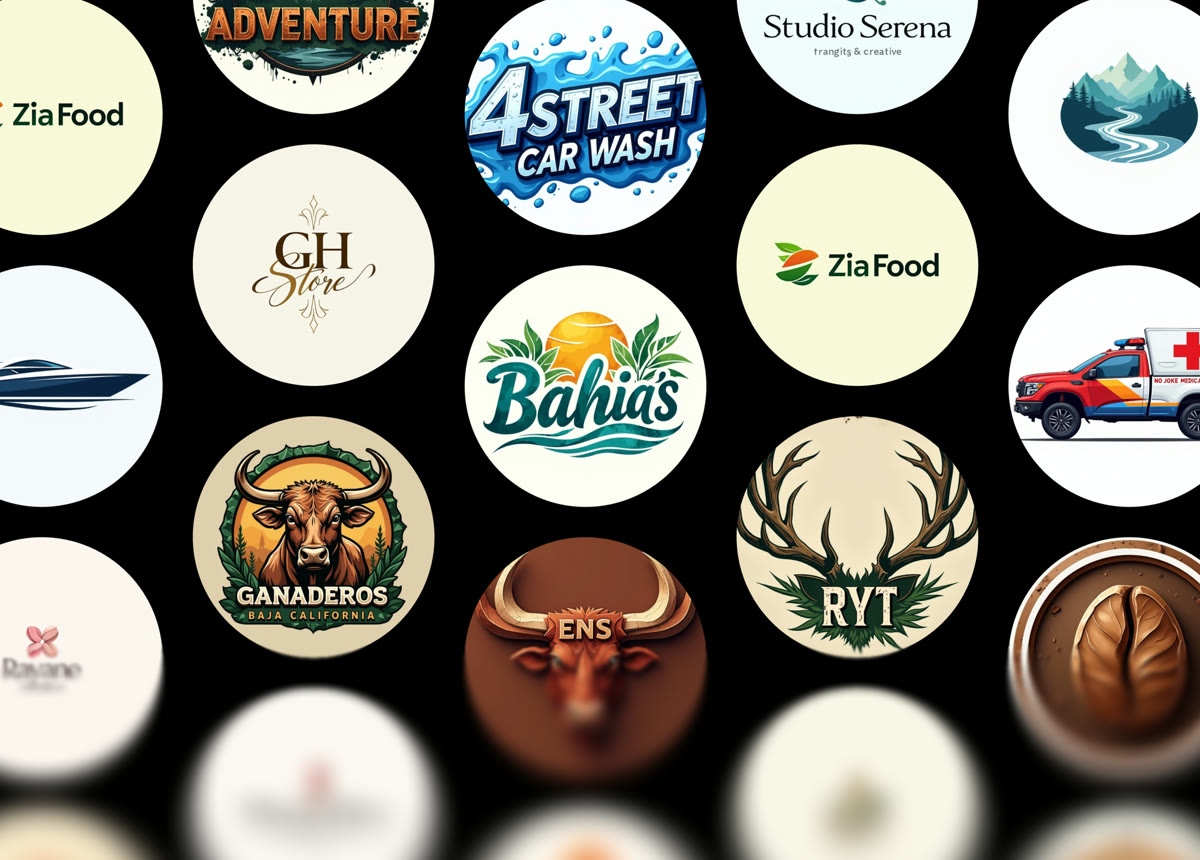
A wall of finished logo marks generated by Crevo — monograms, wordmarks and symbols

Sixteen directions to start from

  • Minimalist
  • Monogram
  • Geometric
  • Vintage
  • Mascot
  • Elegant
  • Modern
  • Hand Drawn
  • Luxury
  • Retro
  • Abstract
  • Futuristic
  • 3D
  • Corporate
  • Watercolor
  • Classic

The toolkit

Nine tools. One library.

Everything you make lands in the same place, and every tool can pick up where the last one left off — generate a mark, edit the wording, cut it out, put it on a storefront.

How it works

Three steps, and none of them are “learn the software”.

There is no canvas, no layer panel and no brand questionnaire. You describe, you choose, you download.

  1. 01

    Say what it is

    One sentence about the brand, or one image you already have. No brief, no brand questionnaire, no account needed to look around.

  2. 02

    Pick a direction

    Choose a style, a scene or a model. Every option is shown as a picture of what it produces, so you are choosing between results rather than between words.

  3. 03

    Take the files

    Download it, put it on a t-shirt, upscale it to 8×, or trace it to SVG. Everything you make stays in your library.

Mockups

See it on the shirt before you print it.

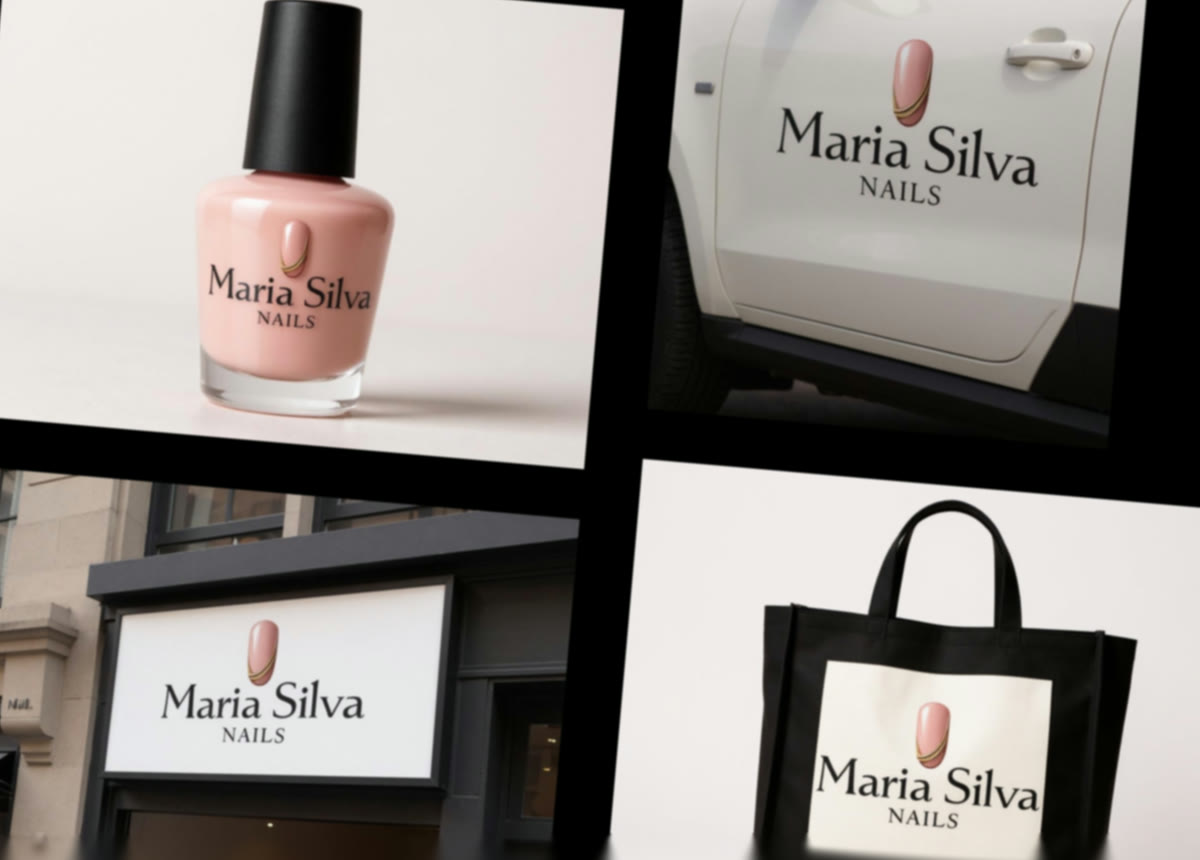
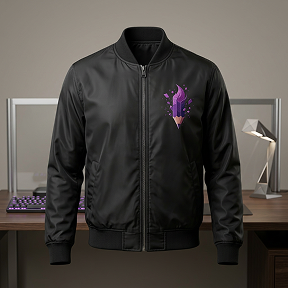
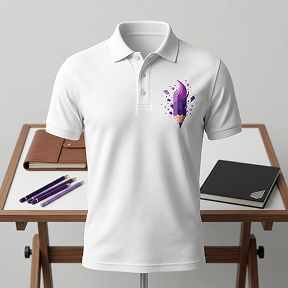
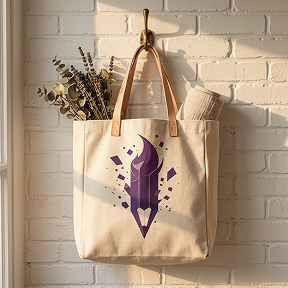
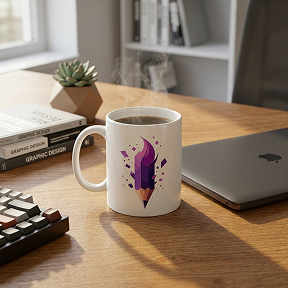
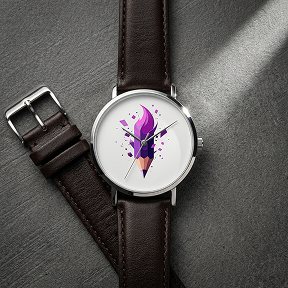
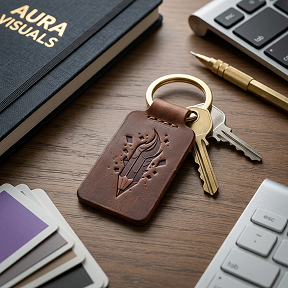
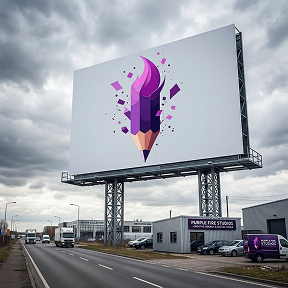
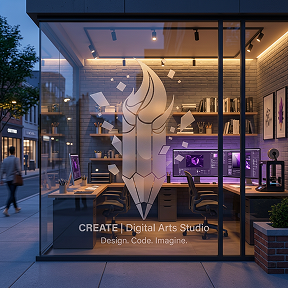
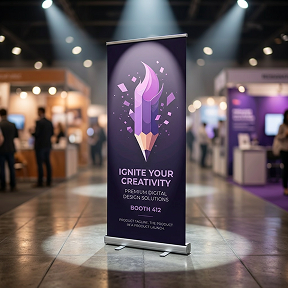
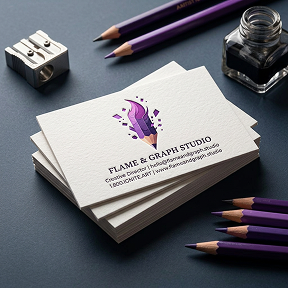
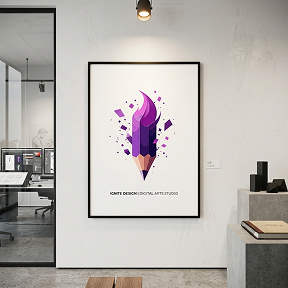
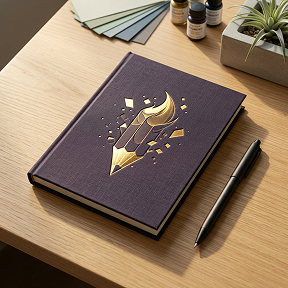
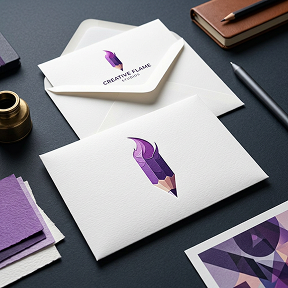
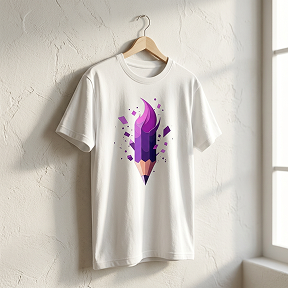
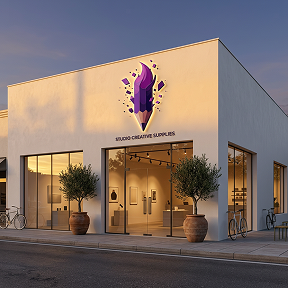
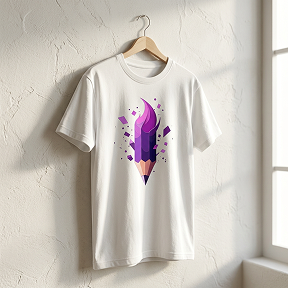
A mark on a white artboard tells you very little. Put it on a tote bag, a coffee cup, a storefront window, a billboard at dusk — 25 photographed scenes, and the answer to “does this actually work” arrives in seconds instead of at the printer.

  • 25 scenes: apparel, packaging, signage, print
  • Apparel, mugs, storefronts, billboards, stickers
  • Straight from anything in your library
Try a mockup
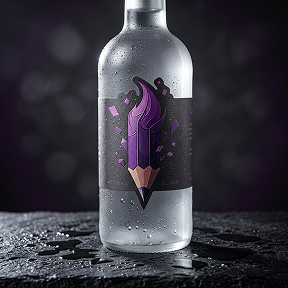
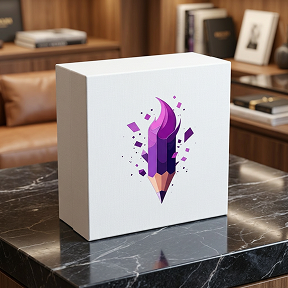
One brand's mark shown on a bottle, a van, a storefront and a tote bag

AI Model

A product shoot without the studio.

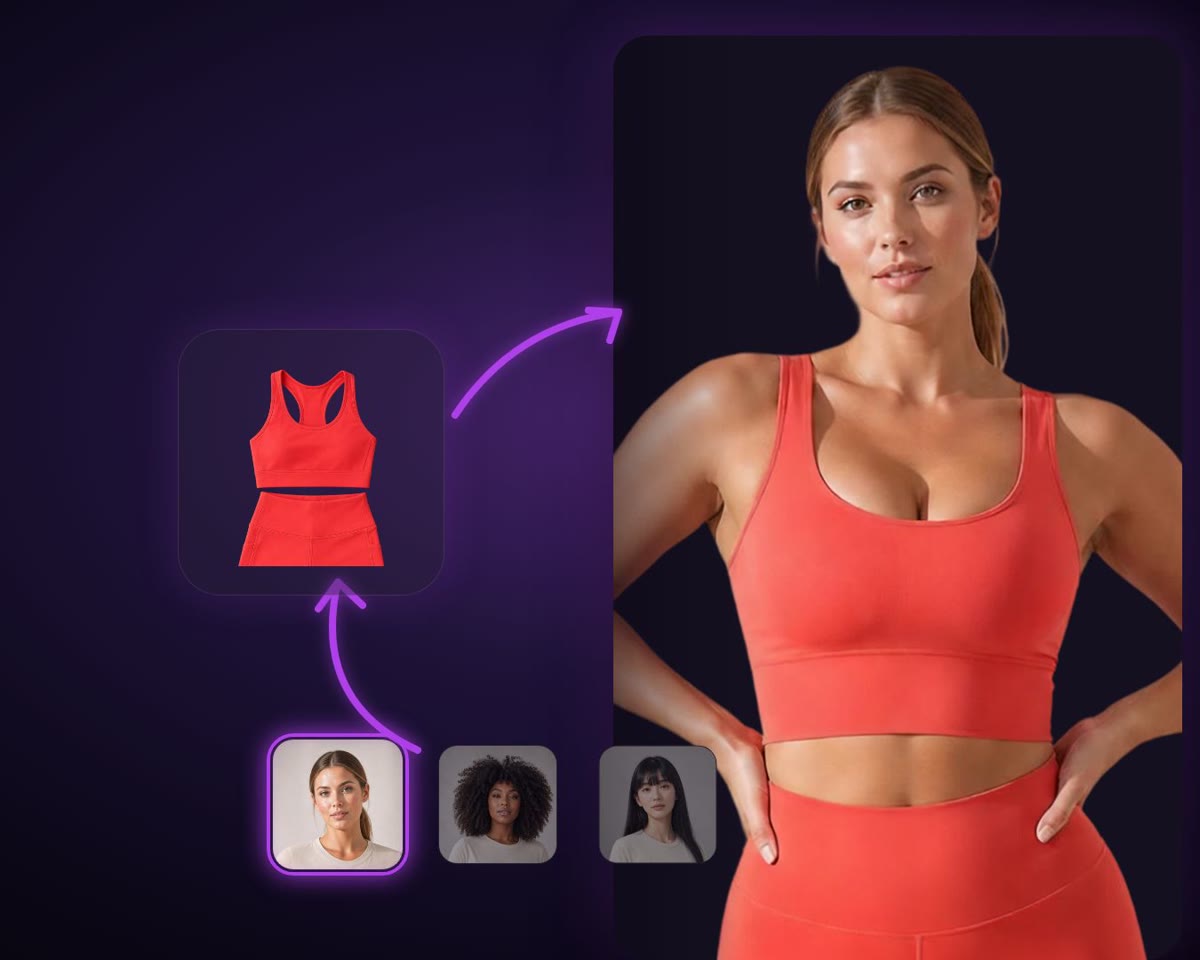
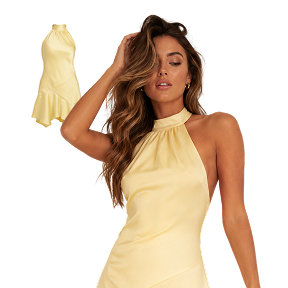
Upload the flat-lay. Choose from 85 models, twelve poses and fifty backdrops, and get the frame you would have booked a photographer, a studio and a day for. Works on clothing, accessories and pet wear.

  • 85 models · 12 poses · 50 backdrops
  • Clothing, accessories, pet wear
  • Reshoot until the look is right
Shoot a product
A flat-lay sports top beside a model wearing it

AI background

Any product, anywhere you can describe.

Cut the subject out for nothing, then put it somewhere worth photographing — a sunlit marble table, a concrete plinth, a beach at golden hour. Say it in a sentence and pick the aspect ratio the ad needs.

  • Removing the background costs no credits
  • Any scene you can write down
  • Every aspect ratio a feed or an ad asks for
Restage a photo
Sunglasses restaged on a sunlit marble café table

Pricing

Start free. Upgrade if it earns it.

Every plan has every tool. What a subscription buys is a bigger credit allowance and the end of the watermark.

  • Free

    Enough to find out whether the thing works.

    Free, no card
    • 10 credits a day, refreshed every day
    • Every AI tool in the app
    • Removing backgrounds costs no credits
    • Results are watermarked
  • Most picked

    Pro

    For getting a brand finished and out the door.

    See prices in the app
    • 400 credits a month
    • No watermark on anything you make — including what you already made
    • Every AI tool, priced the same in credits
    • The full template and preset catalogue
    • Up to 8× upscaling and SVG export
  • Max

    For the weeks you are generating all day.

    See prices in the app
    • 1200 credits a month — three times Pro
    • Room to iterate without counting
    • Everything Pro includes, unchanged
    • Switch back down whenever you like

How credits work

One image generation costs 1 credit. A 4K upscale costs 2, and video costs 25. Free gives you 10 a day; Pro 400 a month and Max 1200, whether you pay monthly or yearly. Nothing here is unlimited, and we would rather say so on this page than in a support email. Removing a background is the one exception: it costs nothing, on every plan.

FAQ

The questions worth answering before you sign up.

  • Do I need to be a designer?

    No — that is rather the point. You type a sentence about your business and pick between finished pictures. There is no canvas, no layer panel and nothing to learn before the first result.

  • How do credits work?

    One image generation costs 1 credit; a 4K upscale costs 2 and video costs 25. A free account gets 10 credits a day, Pro gets 400 a month and Max 1200. Removing a background is the exception — it costs nothing on any plan, including Free.

  • Is anything unlimited?

    No, and we would rather say so here than in a support email. A subscription buys a much larger credit allowance — 400 a month on Pro, 1200 on Max — not an infinite one. In practice Pro is sized for finishing a brand and Max for working on several at once.

  • What is the watermark?

    Results on a free account carry one. Subscribing removes it from everything you make afterwards and from everything you already made — the library is cleared retroactively, so nothing you liked on the free plan is stranded.

  • Can I edit a logo after it is generated?

    Yes. Edit with AI takes a result and a sentence — “make the wordmark thinner”, “try it in dark green”, “drop the tagline” — and returns the change. You can keep going pass after pass, and every version stays in your library.

  • What files do I get?

    A high-resolution raster by default. Upscale takes it to as much as 8× for print and large screens, and Convert to SVG traces it to a real vector file that stays sharp at any size.

  • Can I use what I make commercially?

    Yes, on every plan including the free one — logos, mockups and product shots you generate are yours to use for your business. They are not exclusive to you, though, and we run no trademark search, so take clearance advice before you build a brand on one. See the terms for the full position.

  • Is there an iPhone app?

    Yes. Crevo started on iOS and the two share one account, one library and one credit balance — start a logo on your phone on the train and finish it on a laptop.

  • Can I cancel?

    Any time, from your account — you keep the plan until the end of the period you have paid for. Subscriptions bought in the iPhone app are cancelled through the App Store, as Apple requires.

Your brand is one sentence away.

Start free, keep what you make, and only pay when Crevo has already earned it.

No card to start · One account across iPhone and the web