Upscale
Up to 8× the resolution, for things that get printed.
The size that looks fine on a phone is the size that goes soft on a banner. Upscaling adds the detail back rather than just stretching the pixels.

How it works
- 1
Pick the image
Anything in your library, or an upload — including artwork that did not come from Crevo.
- 2
Choose the factor
Up to 8×. Bigger is not automatically better: match it to what the file is actually for.
- 3
Send it to print
Signage, packaging, a poster, a trade-show banner — the places where the original would have been visibly soft.
What it makes
At a glance
- Maximum
- 8×
- Input
- Any image, Crevo's or your own
- Alternative
- For a logo, converting to SVG scales without any limit at all
Questions about upscale
Should I upscale a logo, or convert it to SVG?
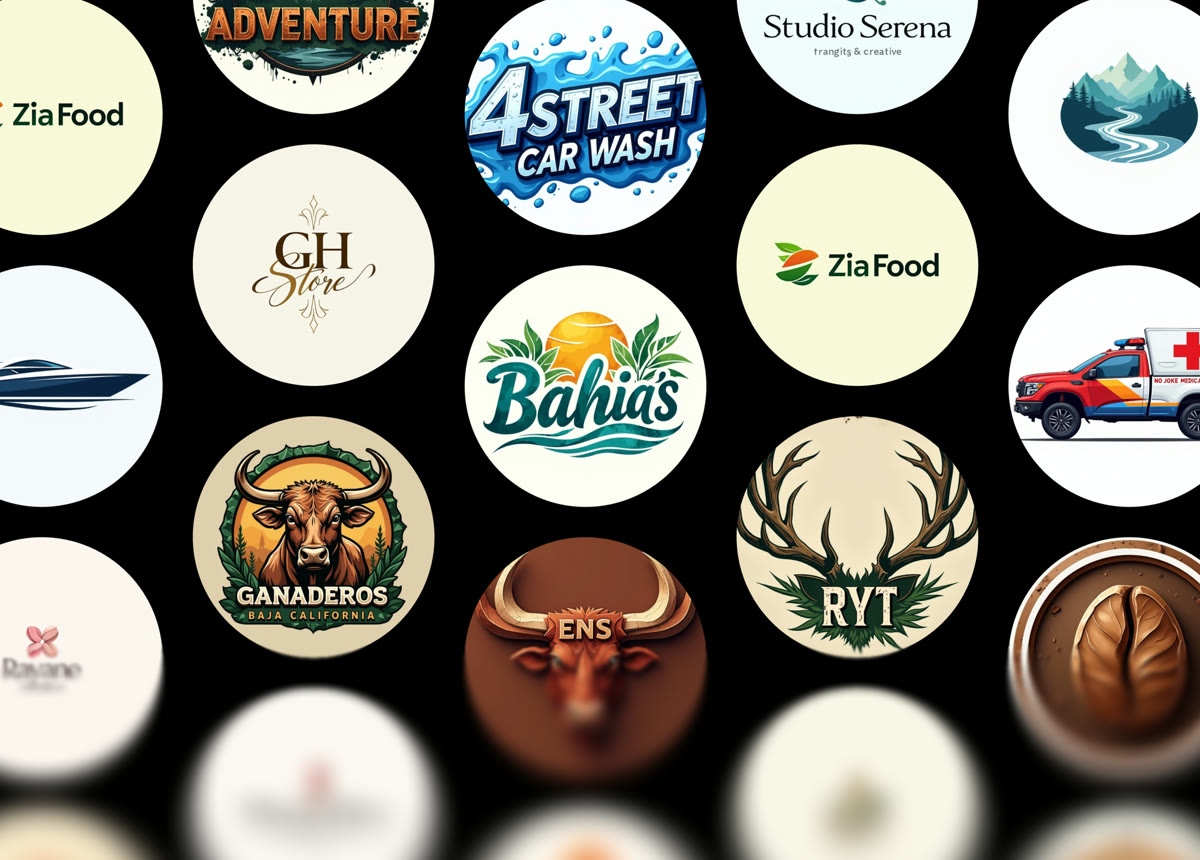
For a logo, SVG — a vector has no resolution to run out of, so it is sharp at any size and the file is smaller. Upscale is for photographs and for artwork too detailed to trace cleanly.
Does it invent detail?
It reconstructs it, which amounts to the same caution: at high factors, look closely at text and fine linework before committing to a print run.


Ready to try upscale?
Start free — the daily credit allowance is enough to find out whether it does what you need.
No card to start · One account across iPhone and the web