Mockups
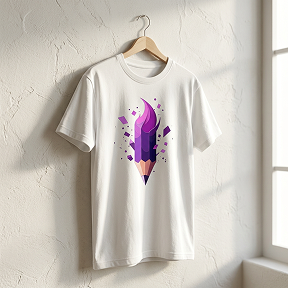
See it on the shirt before you print it.
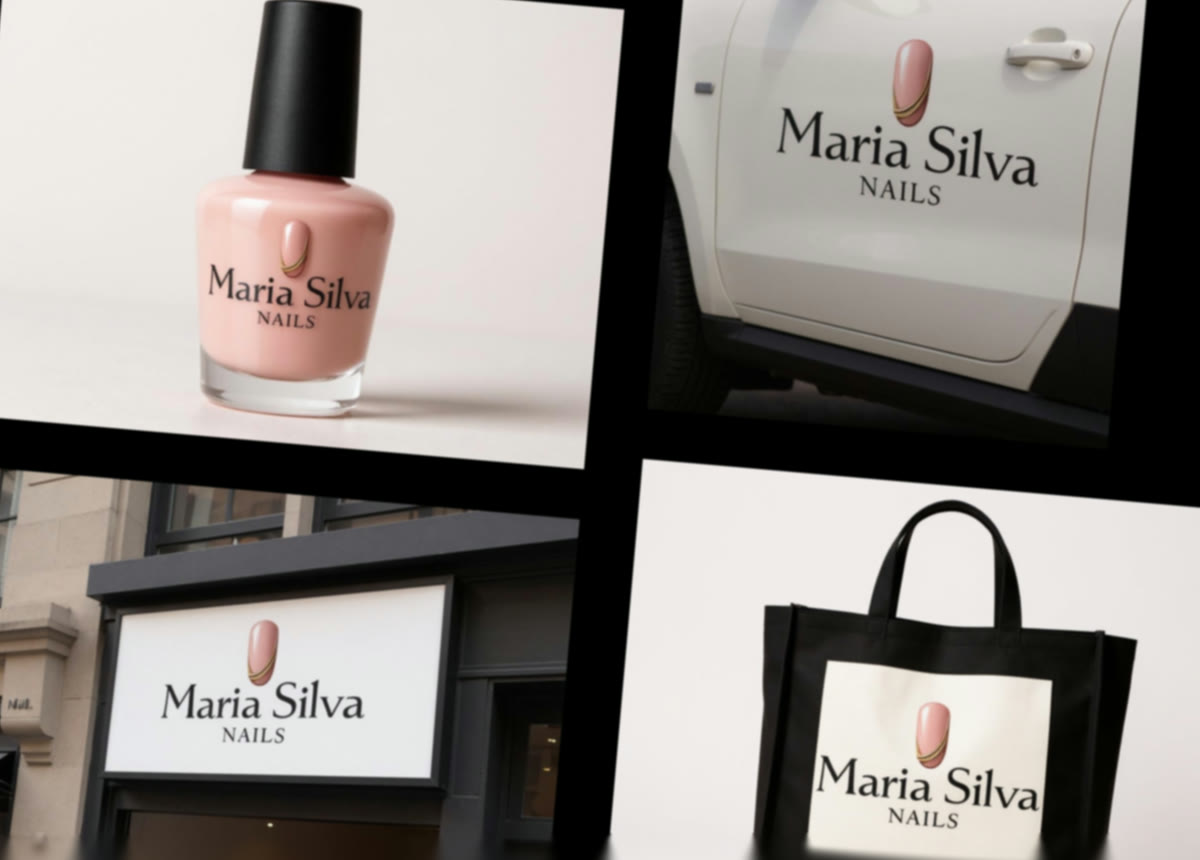
A mark on a white artboard tells you very little. 25 photographed scenes — apparel, packaging, signage, print — answer “does this actually work” in seconds rather than at the printer.
How it works
- 1
Pick a mark
Anything in your library. Mockups work from a stored image rather than a fresh upload, so generate or save the mark first.
- 2
Pick a scene
25 of them, shown as photographs rather than as a list of names — because for a set this size, the picture is the question.
- 3
Send it to someone
A mockup is what makes a logo legible to a client, a co-founder or a print shop. It is usually the file that ends the argument.
What it makes
At a glance
- Scenes
- 25
- Apparel
- T-shirt, hoodie, cap, jacket, polo
- Objects
- Tote, mug, bottle, jar, coffee cup, box, watch, keychain, pin, lanyard
- Signage & print
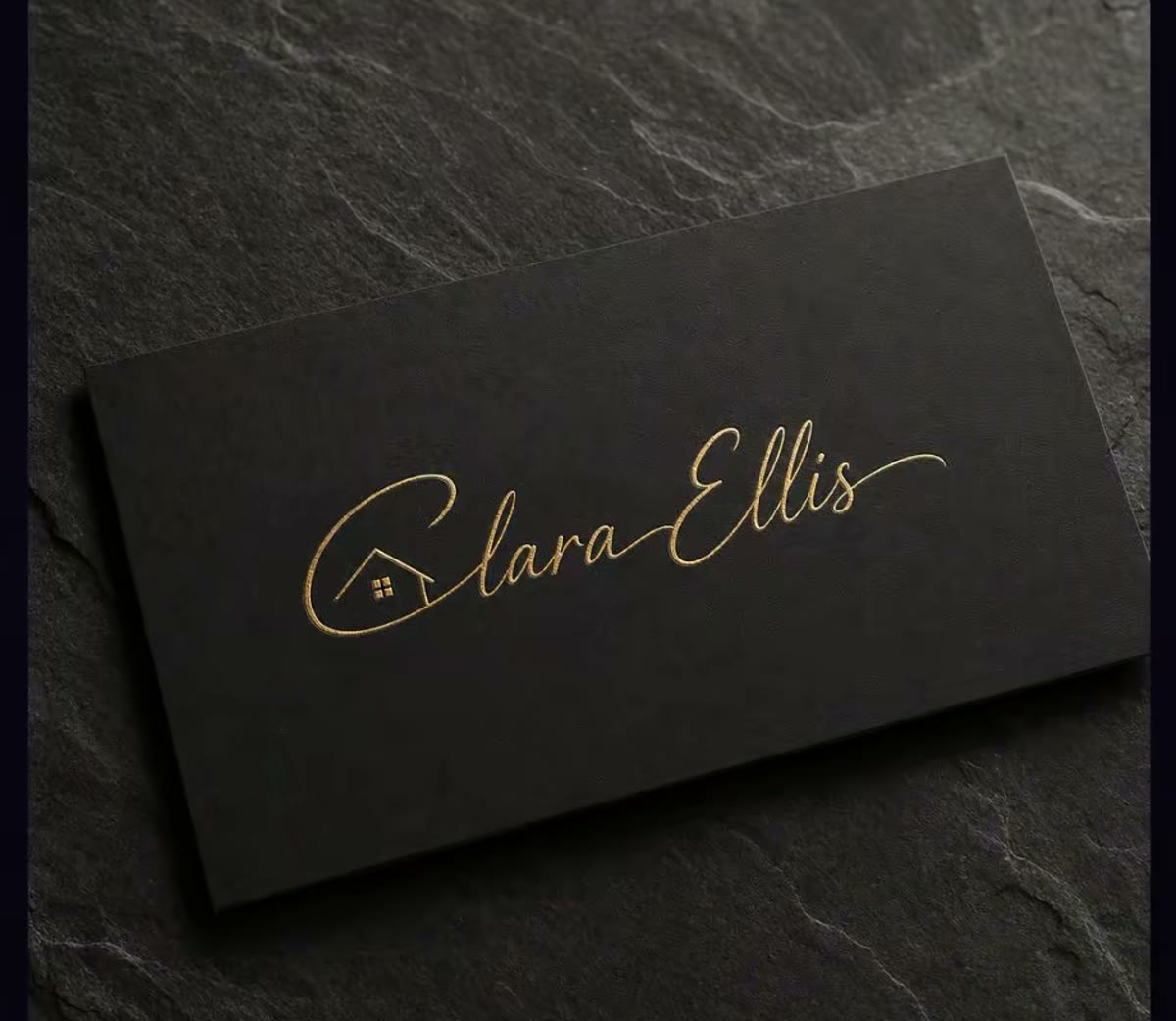
- Storefront, neon, billboard, window, banner, poster, business card, notebook, envelope, sticker
Questions about mockups
Can I use a logo I did not make in Crevo?
Yes — upload it to your library first. Mockups run from a stored image rather than from a direct upload, so the upload is one extra step rather than a restriction.
Are these good enough to sell from?
They are good enough for a listing, a pitch and a social post, which is what most people need them for. For a print run, proof against the printer's own template.


Ready to try mockups?
Start free — the daily credit allowance is enough to find out whether it does what you need.
No card to start · One account across iPhone and the web