AI background
Put your product anywhere you can describe.
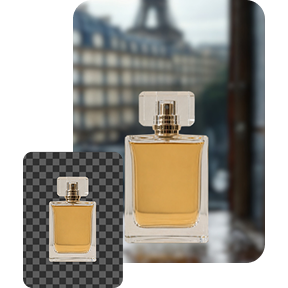
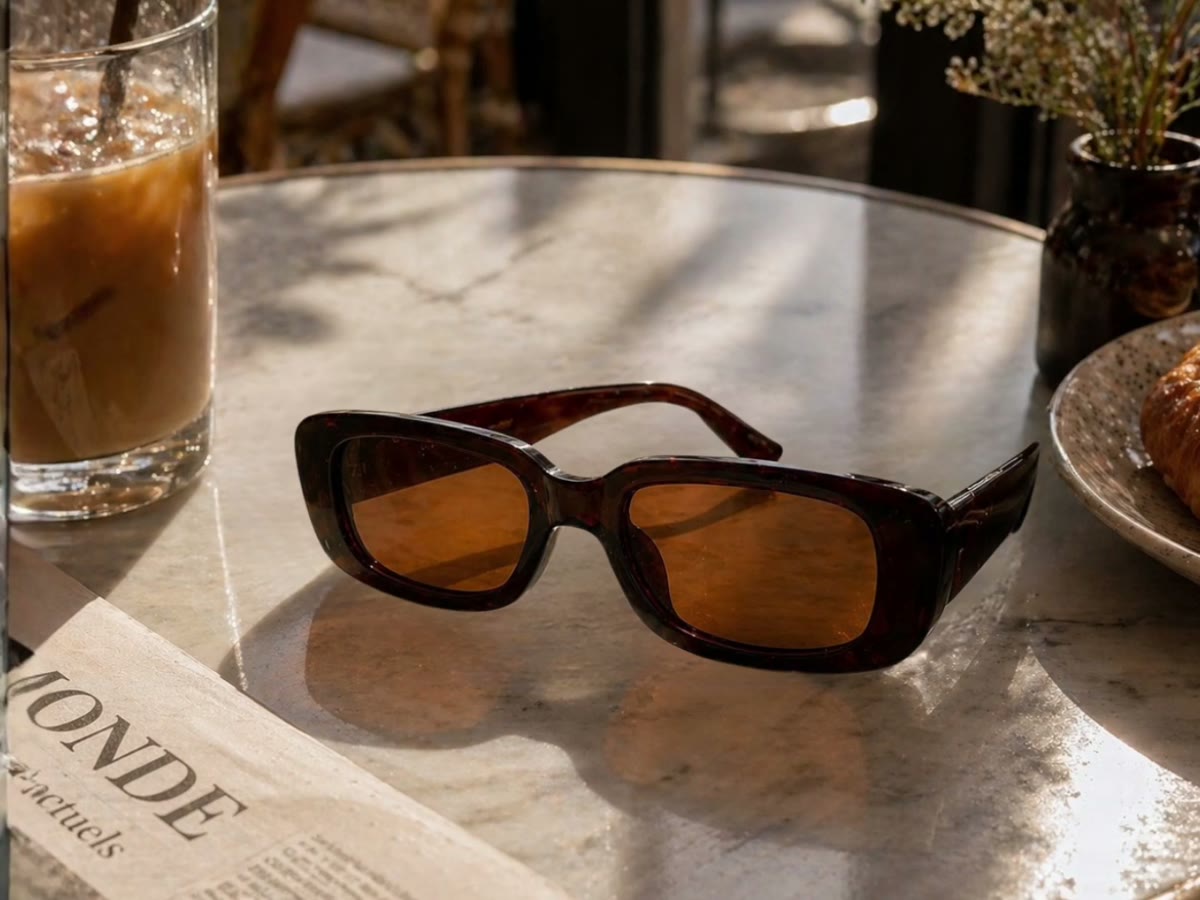
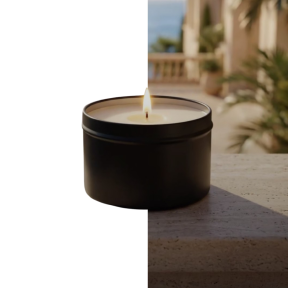
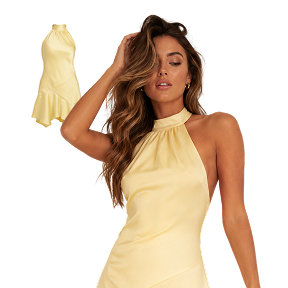
Cut the subject out for nothing, then restage it — a sunlit marble table, a concrete plinth, a beach at golden hour — at whatever aspect ratio the ad needs.
How it works
- 1
Cut the subject out
Removing the background costs no credits on any plan, including free — so this step never eats into your allowance.
- 2
Describe the scene
A sentence is enough. Surfaces, light, time of day, props — the more specific, the closer the first result lands.
- 3
Pick the ratio
Square for a listing, portrait for a story, wide for a banner. The scene is composed for the shape rather than cropped into it.
What it makes
At a glance
- Scene
- Anything you can describe
- Aspect ratios
- Square, portrait, landscape
- Cut-out
- Free, on every plan
- Ready-made scenes
- 160 presets, if you would rather not write one
Questions about ai background
What is the difference between this and the presets?
Presets are 160 photographed scenes you pick from a catalogue; this is the same idea with the scene written by you. Use a preset when one of them is close, and this when nothing in the catalogue is.
Does it keep the product's real colours?
It relights the subject to match the scene, which is what makes the result look photographed rather than pasted — so colours shift the way they would under that light. For a listing where colour accuracy is a returns problem, check the result against the real thing.

Ready to try ai background?
Start free — the daily credit allowance is enough to find out whether it does what you need.
No card to start · One account across iPhone and the web