Convert to SVG
A vector file that never goes soft.
Trace any mark to an SVG — the format a sign-writer, an embroiderer and a print shop will all ask you for, and the one that stays sharp from a favicon to a shopfront.

How it works
- 1
Pick the mark
A logo or signature from your library. Flat marks with clear edges trace best — which is most of what Crevo makes.
- 2
Trace it
The result is a real vector: paths and fills, not a bitmap wrapped in an SVG tag.
- 3
Re-trace if the paths are messy
Fine detail and photographic texture are what trip tracing up. If a result is noisy, simplify the mark first and go again.
What it makes
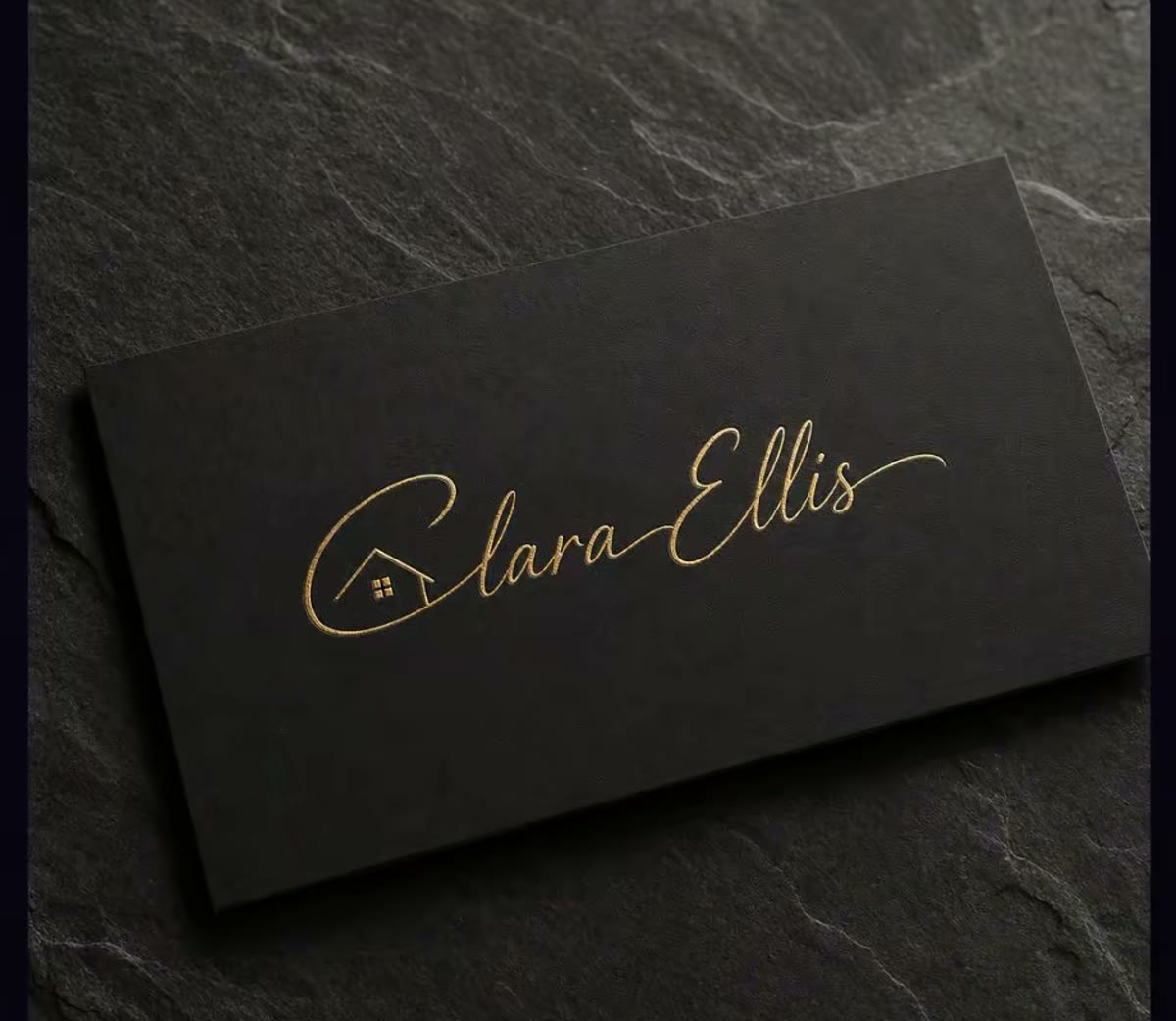
At a glance
- Output
- SVG — paths and fills
- Scales to
- Any size, with no resolution limit
- Best input
- Flat marks with clear edges
- Not for
- Photographs — use Upscale instead
Questions about convert to svg
Why do I need an SVG?
Because the people who put your logo on physical things ask for one. Embroiderers, sign-writers, vinyl cutters and most print shops want vector artwork, and a raster file is where that conversation stalls.
Can I edit the SVG afterwards?
Yes — it opens in Illustrator, Affinity, Figma or Inkscape like any other vector file, and the paths are editable.


Ready to try convert to svg?
Start free — the daily credit allowance is enough to find out whether it does what you need.
No card to start · One account across iPhone and the web