AI Model
A product shoot without the studio.
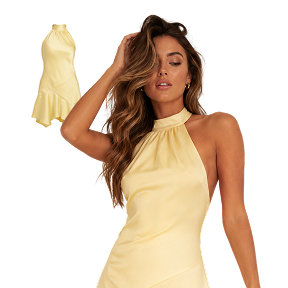
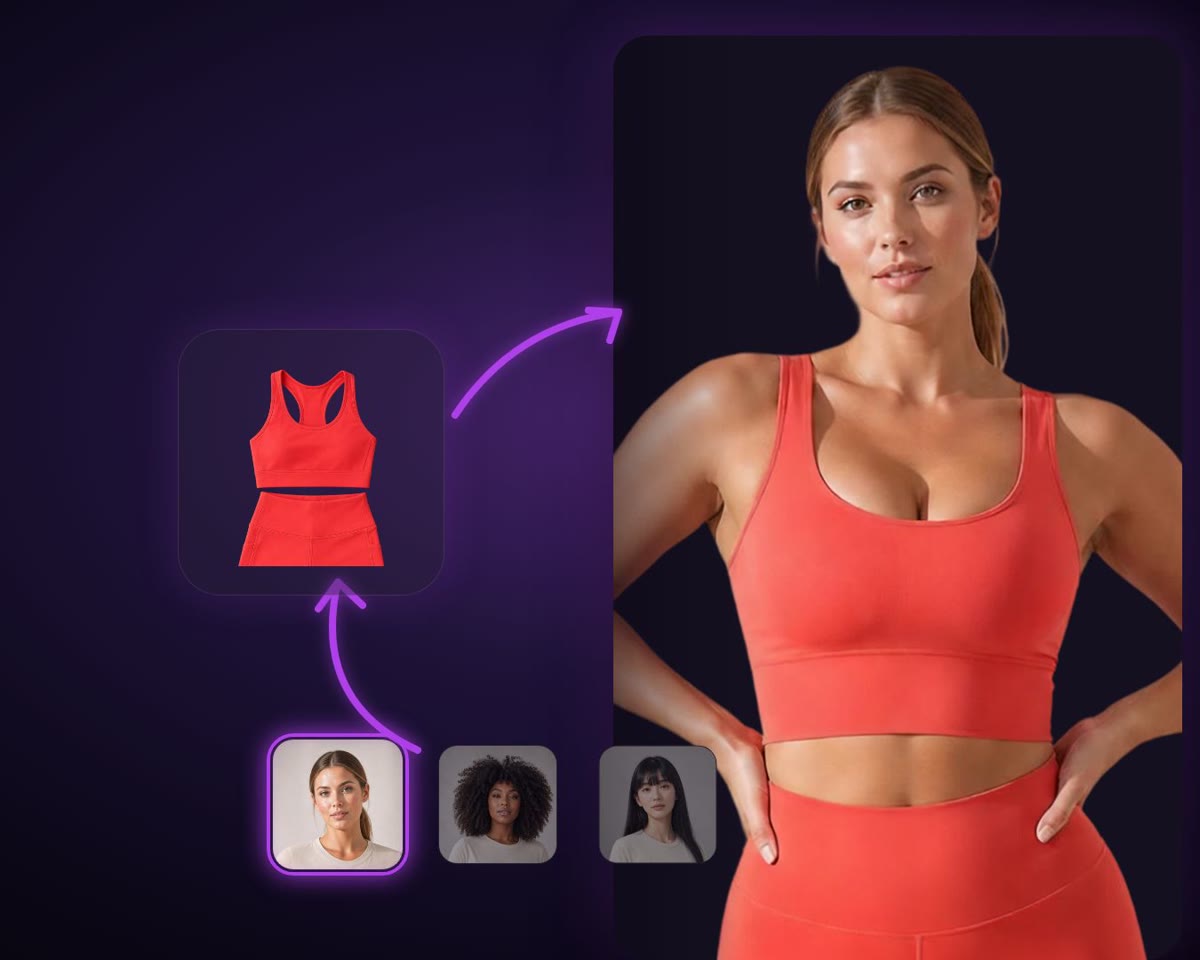
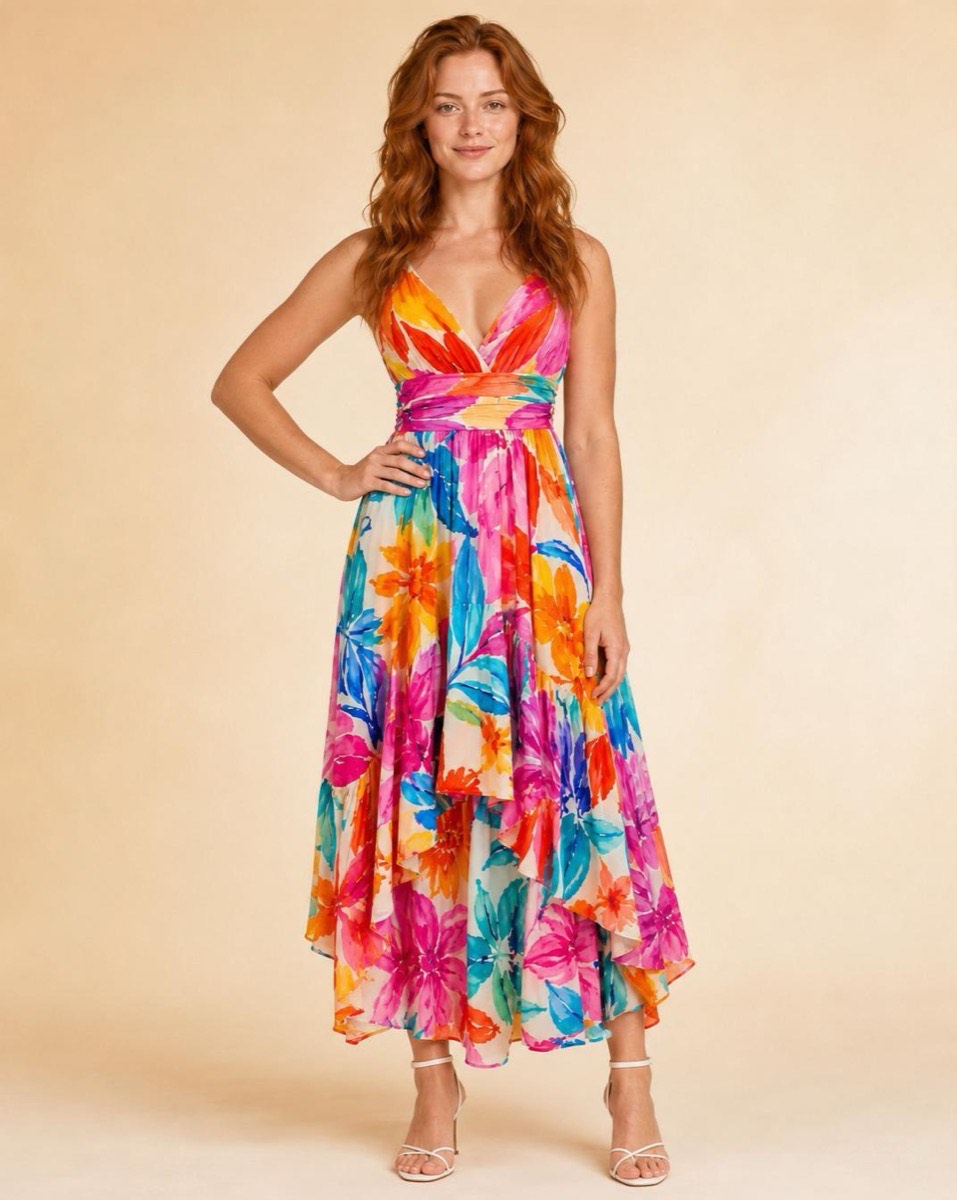
Upload the flat-lay. Choose from 85 models, 12 poses and 50 backdrops, and get the frame you would otherwise have booked a photographer, a studio and a day for.
How it works
- 1
Upload the product
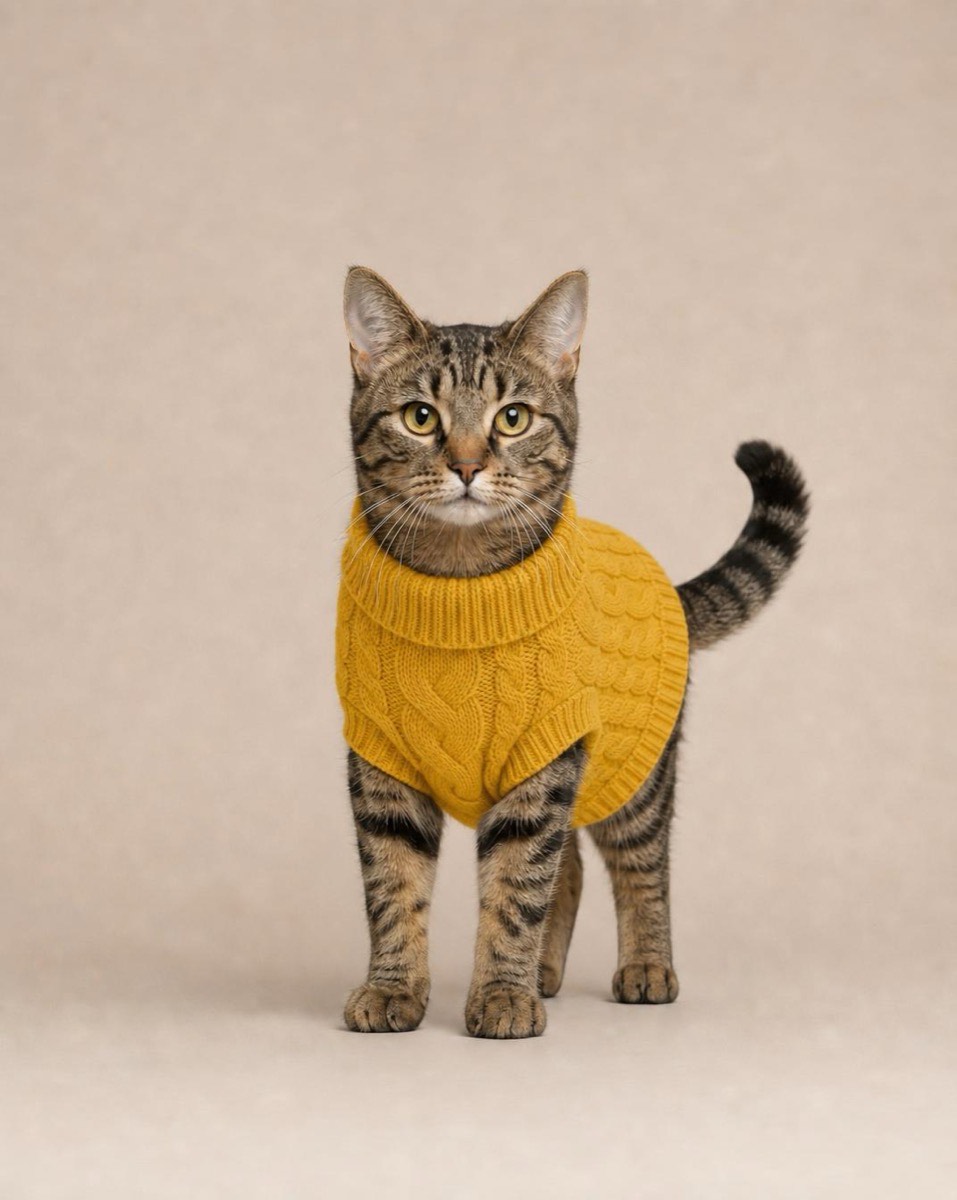
A flat-lay or a plain product photo is enough. Clothing, jewellery, bags, hats, shoes, sunglasses, handheld goods and pet wear are all supported.
- 2
Cast it
Filter 85 models down to the look you are selling to, then pick a pose and a backdrop.
- 3
Reshoot until it lands
Change the model, the pose or the backdrop and run it again. A real shoot gives you one day and one set of choices; this gives you as many as your allowance covers.
What it makes
At a glance
- Models
- 85, filterable by look
- Poses
- 12
- Backdrops
- 50
- Categories
- Clothing, jewellery, bags, hats, shoes, sunglasses, handheld, pet wear
Questions about ai model
Do I need to disclose that the model is AI?
Rules differ by market and by platform, and several have tightened recently. Check what your marketplace and your advertising regulator require — this is the kind of thing worth getting right before a campaign rather than after one.
Will it keep my product accurate?
The garment or item you upload is what gets worn — that is the point of the tool, as against generating a plausible product from a description. Fine print and small logos are the first thing to check on any result.
Ready to try ai model?
Start free — the daily credit allowance is enough to find out whether it does what you need.
No card to start · One account across iPhone and the web